

“`html
Introduction: Why These 10 Tasks Matter More Than You Think
Year-end close isn’t just about checking boxes. It’s about protecting your business from penalties, audit adjustments, and the friction that comes when your tax preparer discovers inconsistencies in January. As a QuickBooks ProAdvisor firm, we’ve watched small businesses rush through year-end only to face costly corrections, delayed tax filing, and strained relationships with their accountants.
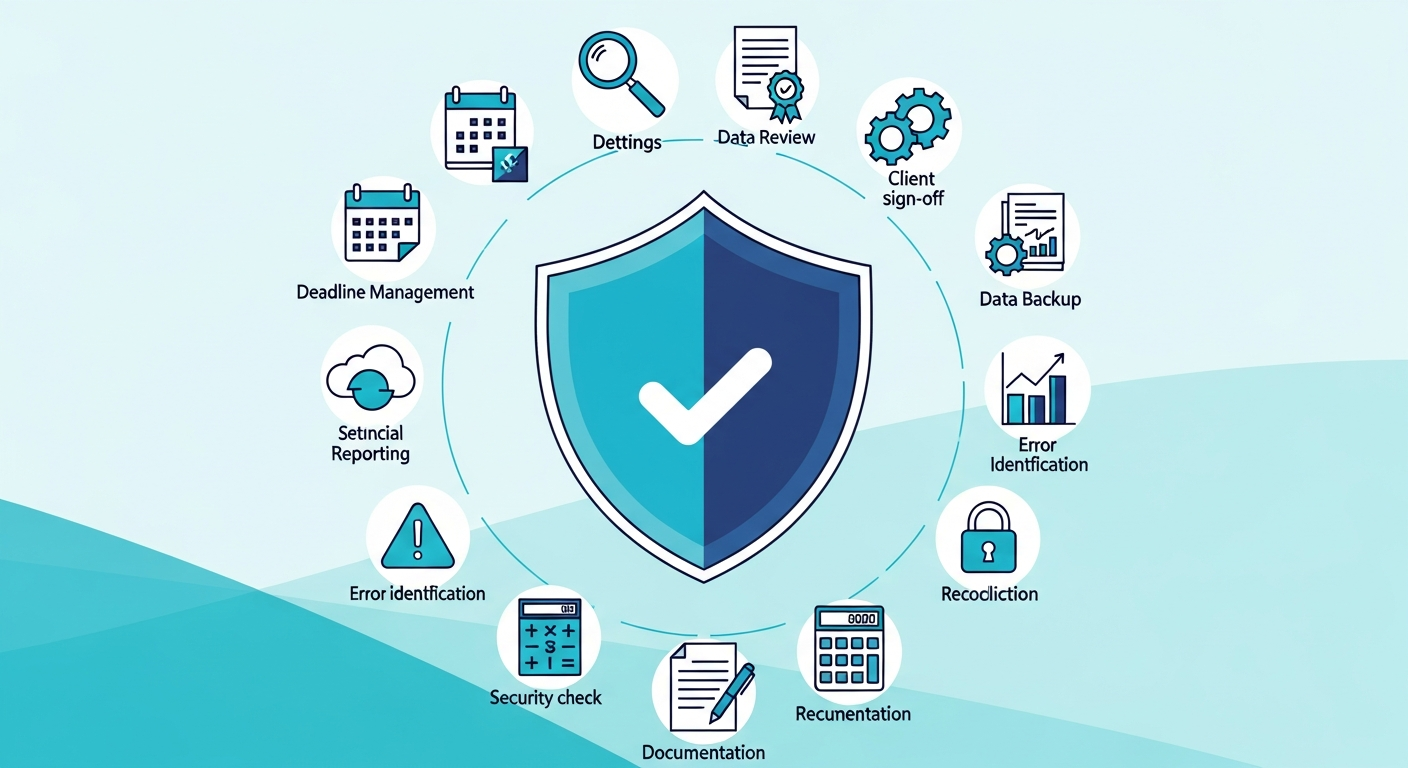
The difference between a smooth close and a chaotic one comes down to systematic rigor. This guide walks you through 10 non-negotiable tasks using QuickBooks Online Accountant (QBOA) tools that reduce risk, build confidence with your tax team, and give you a clean foundation for the year ahead.
Prerequisites Before You Start
Before diving into these tasks, ensure you have:
- Access to QBOA or QuickBooks Online with Accountant permissions
- Current bank and credit card statements through year-end
- Vendor invoices, customer contracts, and payroll records for final period verification
- A backup of your QuickBooks file (always, always backup before closing)
- Your tax preparer’s contact information—you’ll want their input on several of these tasks
Task 1: Reconcile Every Balance Sheet Account—Not Just Bank
Most businesses reconcile their bank account and call it done. That’s incomplete and risky.
In QBOA, navigate to Accounting → Reconcile and work through your full balance sheet systematically: bank accounts, credit cards, loan accounts, sales tax payable, payroll liabilities, and any suspense or clearing accounts. Each reconciliation is your audit trail and your safety net.
Why this matters: Unreconciled accounts hide errors—duplicate transactions, missing entries, or uncleared items from months past. One mistake in a payroll liability account can trigger payroll tax penalties. Reconciling everything prevents these landmines from exploding after year-end.
Tax preparer value: Your accountant will ask for a reconciliation report. Handing them clean, reconciled accounts accelerates their review and signals professionalism.
Task 2: Clear the Undeposited Funds Bucket
Navigate to your balance sheet and look for the Undeposited Funds account. If it’s not zero at year-end, you have transactions waiting to be deposited—and they may have been sitting there for weeks or months.
Review each undeposited check or payment: Is it a stale check? Has the customer already paid another way? Apply deposits to the appropriate bank account in QBOA and mark them as complete.
Why this matters: Undeposited funds distort your cash position and confuse reconciliation. They also create duplicate payment records if a customer later pays online or by check.
Task 3: Address Uncategorized and Suspicious Transactions
Use QBOA’s Categorization view to flag transactions without proper accounts or descriptions. This includes expenses dumped into a catch-all account or deposits tagged as “miscellaneous.”
For each transaction, ask: Does this belong in this account? Is the amount reasonable? Is there documentation to support it?
Why this matters: Uncategorized transactions are audit red flags. They also make it impossible to understand your actual spending patterns or to defend deductions if you’re audited.
Task 4: Run the Adjusted Trial Balance Report and Tie It Out
In QBOA, generate the Adjusted Trial Balance report for the full year. This report shows every account with its current balance and is your GPS for the close process.
Verify that debits equal credits (they should always balance in QuickBooks). Then cross-check key accounts against your bank statements, vendor statements, and customer aging reports. Any variance signals a transaction you missed or miscoded.
Why this matters: The Adjusted Trial Balance is the foundation of your financial statements. If it’s wrong, everything downstream is wrong.
Task 5: Age Your Accounts Receivable and Flag Uncollectibles
Pull the Accounts Receivable Aging report in QBOA. Segment by age: current, 30 days, 60 days, and 90+ days past due.
For invoices older than 60 days, decide: Should this be written off? Should you reach out to the customer? Create a Credit Memo for legitimate write-offs, map it to Bad Debt Expense, and document why in the memo field. This gives your tax preparer the trail they need and ensures your bad debt deduction is defensible.
Why this matters: Aged receivables tie up your cash and inflate your balance sheet. Writing them off properly also creates a tax deduction and signals to your tax preparer that you’re being realistic about collections.
Task 6: Clean Up Your Accounts Payable Aging
Run your Accounts Payable Aging report and identify bills that should be paid, disputed, or removed before year-end.
Red flags to investigate:
- Duplicate bills (same vendor, same amount, close dates)
- Vendor credits you haven’t applied
- Invoices for services never rendered
- Bills older than 90 days (often vendor errors or reconciliation mistakes)
Apply credits, remove erroneous bills, and pay legitimate outstanding invoices if you want them in this fiscal year.
Why this matters: Dirty AP overstates your liabilities and can cause your balance sheet to misrepresent your financial position. It also creates confusion during audit.
Task 7: Validate Sales Tax Liabilities and Filings
Review your Sales Tax Payable account and cross-reference it against your sales tax return filings for the year. Ensure:
- Sales tax collected matches your filings
- Payments are recorded and reconciled
- Any adjustments or credits are documented
If you file sales tax in multiple states, check each liability account separately.
Why this matters: Sales tax errors invite government audits and penalties. Your tax preparer needs confidence that your sales tax is clean before filing your return.
Task 8: Close Out Payroll Year-End and Reconcile Liabilities
If you run payroll in QuickBooks Online Payroll, ensure your final payroll for the year is processed, including bonuses and commissions. Then review your payroll liability accounts: Federal Withholding, State Withholding, FICA, and any other deductions.
Cross-check these accounts against your year-end payroll summary and your 941 filings (or equivalent). Any variance should be investigated with your payroll provider or a QuickBooks ProAdvisor experienced in payroll reconciliation.
Why this matters: Payroll errors cascade into Form 941 corrections, employee W-2 adjustments, and IRS penalties. Getting it right now prevents chaos later.
Task 9: Review Owner Distributions and Retained Earnings
Pull your Balance Sheet and focus on equity accounts: Owner’s Draw, Owner’s Capital, Retained Earnings, and any distributions or dividends.
Verify that:
- All owner draws are properly recorded and categorized (not mixed with operating expenses)
- Owner capital contributions are logged
- Retained earnings reflects your accumulated profit or loss correctly
If you’ve made distributions or have loan guarantees, ensure your tax preparer knows about them—they affect your tax basis and individual return reporting.
Why this matters: Owner equity is often where auditors look. Clean records here demonstrate good governance and support your tax basis calculations.
Task 10: Lock Your Books with a Closing Date and Password
Once all adjustments are complete and your tax preparer has signed off, lock your books to prevent accidental changes. In QBOA, go to Settings → Account and Settings → Advanced → Accounting. Toggle Close the Books on, set a closing date (December 31 of the fiscal year), and add a closing password.
This prevents team members from altering closed transactions and gives you an audit trail of who made changes after close.
Why this matters: Closed books are enforceable books. They protect the integrity of your year-end numbers and signal to your tax preparer that you’re serious about financial control.
Common Mistakes to Avoid
- Skipping reconciliations: “Close enough” leads to audit exposure. Reconcile everything.
- Making adjustments without documentation: Every journal entry should have a memo explaining the business purpose.
- Waiting until January to tackle December entries: Close while the month is fresh. Waiting creates memory gaps and errors.
- Not involving your tax preparer: Loop them in early. They’ll catch issues you might miss and can guide your decisions on write-offs, accruals, and classifications.
- Leaving undeposited funds or uncategorized transactions: These are time bombs. Clear them before closing.
Take Your Close Process Further
These 10 tasks are your foundation. For a deeper playbook with checklists, sample journal entries, and industry-specific guidance, Tax Ready Bookkeeping—the detailed resource from our team at Tax Ready Bookkeeping—walks you through close procedures, reconciliation workflows, and risk mitigation strategies used by professional bookkeepers and QuickBooks ProAdvisors.
Whether you’re closing your first year or your tenth, having a systematic process prevents surprises and builds trust with your tax team. As a QuickBooks ProAdvisor service, we’ve seen firsthand how thoroughness in these 10 tasks transforms year-end from stressful to manageable.
Summary and Next Steps
A clean year-end close gives you three things: confidence in your numbers, faster tax preparation, and a strong relationship with your accountant. Complete these 10 tasks, document your work, and hand your tax preparer a file they’ll be grateful to receive.
Ready to streamline your year-end close? Contact Tax Ready Bookkeeping, a QuickBooks ProAdvisor partner, to discuss how we can help you implement these practices or take your bookkeeping off your plate entirely.
“`
Are You Ready to Take Control of Your Business Finances?
Hidden QuickBooks issues can quietly erode profits, distort decision-making, and create headaches when tax time arrives. At ProjectBits Consulting, our Tax Ready Bookkeeping service gives you expert-level oversight from certified QuickBooks ProAdvisors who know exactly where to look—and how to fix what they find. We help uncover problems early, restore confidence in your financial data, and ensure your books stay accurate and tax-ready all year long.
Don’t wait until tax season to find costly surprises. Get proactive with a professional bookkeeping assessment that identifies gaps before they become risks. Apply now for your Tax Ready Assessment or explore the practical strategies in our book, Ready to Take Control of Your Business Finances, to learn how to keep your numbers working for you.