
The way you pay a contractor determines whether you issue a 1099—and QuickBooks handles different payment methods differently. This post explains exactly how debit cards, credit cards, ACH, checks, and other methods affect your 1099 reporting.
The Core Rule: TPSOs vs. Direct Payments
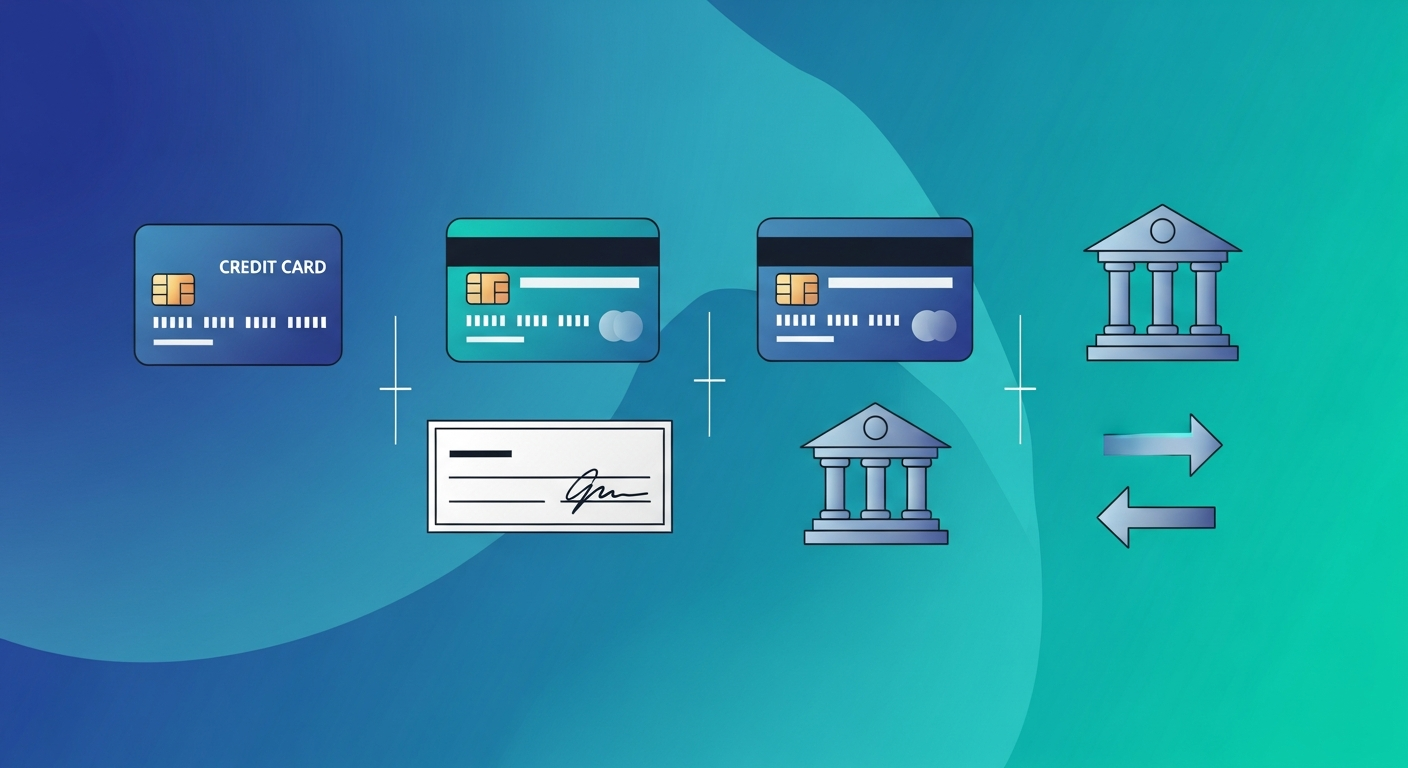
The IRS divides payment methods into two categories:
- Third-Party Settlement Organization (TPSO) payments: Reported on 1099-K by the processor—NOT by you
- Direct payments: Reported on 1099-NEC by you
Payment Method Quick Reference
| Payment Method | Type | You Report on 1099-NEC? |
|---|---|---|
| Check | Direct | Yes |
| ACH/Wire Transfer | Direct | Yes |
| Zelle | Direct (bank-to-bank) | Yes |
| Cash | Direct | Yes |
| Credit Card | TPSO | No |
| Debit Card | TPSO | No |
| PayPal Business | TPSO | No |
| Venmo Business | TPSO | No |
How QuickBooks Handles Payment Methods
When you record a payment in QuickBooks, you can specify the payment method. QBO uses this to determine what goes into 1099 calculations:
- Check, ACH, Cash: Included in 1099-NEC totals
- Credit Card, Debit Card: Excluded from 1099-NEC totals
Critical: Make sure payment methods are recorded correctly. If you pay a contractor by credit card but don’t mark it as such, QuickBooks may include it in your 1099 totals—resulting in double-reporting.
Mixed Payment Methods
If you pay a contractor using multiple methods:
- $3,000 by check
- $2,000 by credit card
You report only the $3,000 (check) on 1099-NEC. The $2,000 (credit card) is reported by the card processor on 1099-K.
Key Takeaways
- Credit/debit cards and payment apps = No 1099-NEC from you
- Checks, ACH, Zelle, cash = You report on 1099-NEC
- Record payment methods accurately in QuickBooks
- Mixed payments = Only report the direct payment portion
Series Conclusion
Congratulations! You’ve completed the Tax Ready Bookkeeping 1099 Series. You now have a complete framework for:
- Setting up vendors and contractors correctly from day one
- Classifying entities based on W-9s
- Mapping accounts and tracking 1099 vendors in QuickBooks
- Understanding penalties, deadlines, and payment method rules
- Using advanced features like custom fields and Spreadsheet Sync
The key to stress-free 1099 compliance? Set it up right from day one, follow a consistent policy year-round, and January becomes a non-event.
Are You Ready to Take Control of Your Business Finances?
Hidden QuickBooks issues can quietly erode profits, distort decision-making, and create headaches when tax time arrives. At ProjectBits Consulting, our Tax Ready Bookkeeping service gives you expert-level oversight from certified QuickBooks ProAdvisors who know exactly where to look—and how to fix what they find. We help uncover problems early, restore confidence in your financial data, and ensure your books stay accurate and tax-ready all year long.
Don’t wait until tax season to find costly surprises. Get proactive with a professional bookkeeping assessment that identifies gaps before they become risks. Apply now for your Tax Ready Assessment or explore the practical strategies in our book, Ready to Take Control of Your Business Finances, to learn how to keep your numbers working for you.