

This is Part 2 of 10 in the QBO Year-End Close series.
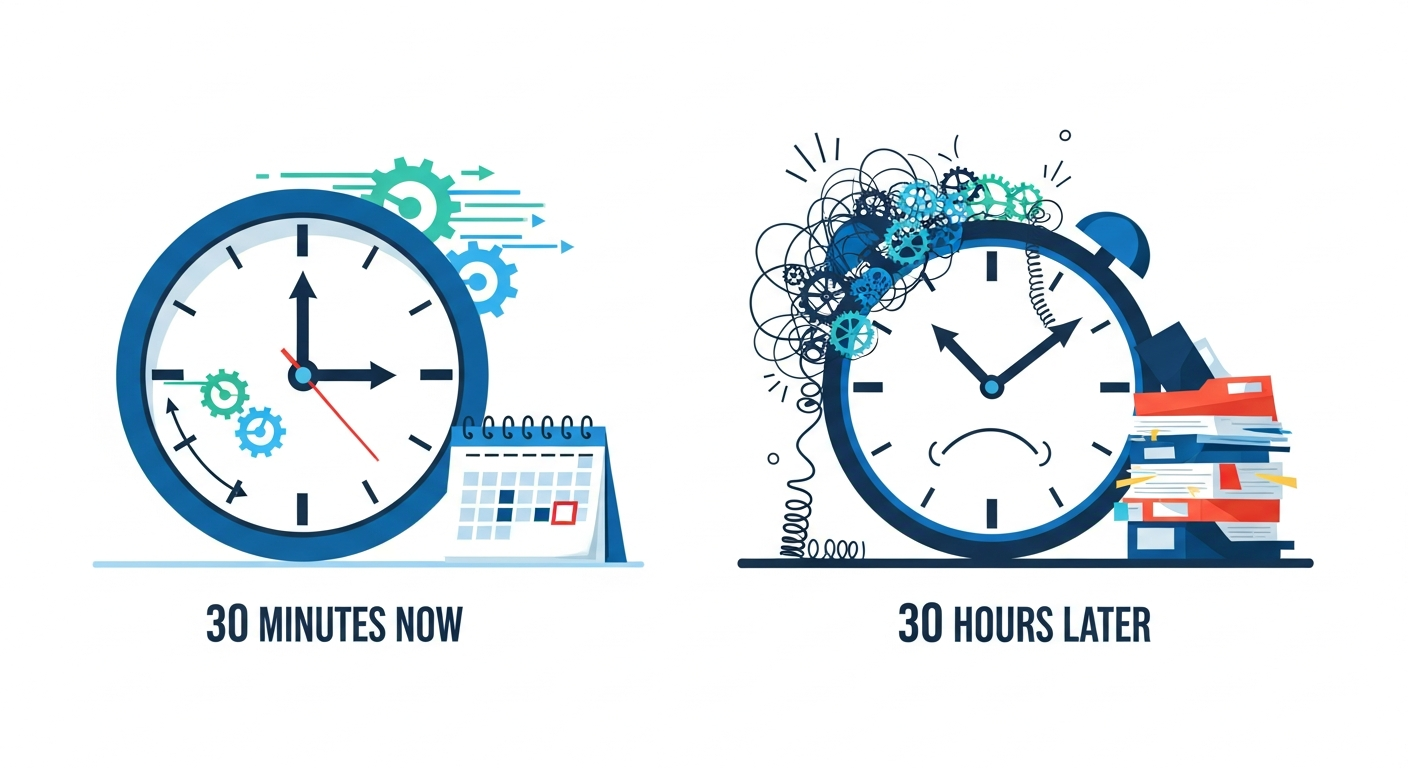
Imagine spending just 30 minutes on this **QBOA-friendly year-end checklist** now to avoid 30 hours of frantic rework later. As QuickBooks ProAdvisors at Tax Ready Bookkeeping™, we’ve seen businesses skip these steps, only to face penalties or audit nightmares—while our clients gain total control and preparedness for tax season.
Why You Can’t Wing Year-End: The Stakes Are High
The common belief that a quick review suffices for year-end close is a myth. One client overlooked reconciling a credit card account, leading to a $15,000 overstated liability that triggered weeks of rework during tax prep. Another missed locking books, allowing a duplicate entry to inflate sales tax filings by thousands, resulting in hefty penalties. This checklist—your practical companion to our full Tax Ready Assessment engagement—ensures structure, hygiene, and compliance in QuickBooks Online Accountant (QBOA).
A file run through our Tax Ready Assessment emerges pristine: fiscal years aligned, accounts reconciled to the penny, duplicates purged, and books locked. Without it? Expect mismatched reports, suspense account mysteries, and compliance gaps that ProAdvisors like us spend hours fixing.
Prerequisites: Set Up for Success
Before diving in, ensure:
- Administrator access in QBOA for the client file.
- Recent bank/credit card statements for all accounts.
- Backup of the company file (export via Gear > Export Data).
- ProAdvisor tools enabled (Accountant Toolbox > Client Overview).
Time estimate: 5 minutes. QuickBooks ProAdvisors recommend this as your safety net.
Step-by-Step QBOA Year-End Checklist
Follow this concise, prioritized checklist: structure first, then hygiene, then compliance. Allocate 30 minutes total.
- Verify Fiscal Year Settings (Structure)
Navigate to Gear > Account and Settings > Advanced > Accounting. Confirm the **first month of your fiscal year** matches your entity’s calendar (e.g., January for calendar-year businesses). Save and verify year-end reports now use correct dates. Skipping this misaligns P&L and Balance Sheet—causing one client a full-day report rebuild. - Confirm Chart-of-Accounts Structure (Structure)
Run Balance Sheet (Reports > Standard > Balance Sheet, Year-to-Date). Scan for inactive accounts, odd sub-accounts, or missing categories (e.g., no Retained Earnings). Use Accountant Tools > Reclassify Transactions to fix. A disorganized CoA led one business to double-count expenses, delaying their 1099s by weeks. - Reconcile Every Balance-Sheet Account (Hygiene)
Go to Accounting > Reconcile. Match all bank, credit card, loan, and asset/liability accounts to statements through year-end. Difference must be $0.00. Pro tip: Start with highest balances. Unreconciled accounts hid a $20K duplicate deposit for a client, sparking IRS scrutiny. - Check for Duplicates and Clean Suspense Accounts (Hygiene)
Run Audit Log (Reports > Accountant Reports > Audit Log) and Transaction List by Date (customize for year). Hunt duplicates (e.g., twin vendor bills). Review Suspense/Undeposited Funds—clear or reclassify. One overlooked duplicate created a phantom $5K AR balance, forcing penalty-laden sales tax amendments. - Handle Sales Tax Compliance (Compliance)
Taxes > Sales Tax > Review and File. Ensure all returns filed/paid. Run Sales Tax Liability Report—zero out balances. Mismatches here penalized a retailer $2,500 in late fees. - Review Payroll Year-End (Compliance)
Payroll > Overview > Year-End Forms. Run wage summaries, confirm W-2s/1099s ready. Close payroll per Intuit’s checklist. A missed bonus entry cost one firm hours reallocating retained earnings. - Prep 1099s and Lock Books (Compliance)
Expenses > 1099 Transactions. Review vendors, file forms. Then: Gear > Account and Settings > Advanced > Accounting > Turn on **Close the Books**, set closing date (e.g., 12/31/prior year). Password-protect. This prevents changes—essential post-review.
Total time: 30 minutes. Run a final Balance Sheet and Trial Balance to confirm perfection.
Common Mistakes and How to Avoid Them
Avoid these pitfalls that turn “winging it” into regret:
- Ignoring non-bank reconciliations: Loans and assets drift unchecked, inflating equity.
- Rushing without Audit Log: Duplicates evade notice, as in our $5K AR horror story.
- Forgetting to lock: Post-close edits void compliance (e.g., accidental 2025 entry in 2024 books).
- Skipping ProAdvisor review: Self-audits miss 20% of issues; our Tax Ready Assessment catches them all.
Contrast: A raw file hits snags in Steps 3-4, demanding hours. Post-Assessment? It flies through, saving you time and stress.
Take Control: Schedule Your Tax Ready Assessment Today
This checklist gives you immediate preparedness, but pair it with Tax Ready Bookkeeping’s full **Tax Ready Assessment** for bulletproof results. As certified QuickBooks ProAdvisors, we handle the heavy lifting—reclassifications, compliance filings, and optimizations—so you focus on growth. Book your assessment now and transform year-end dread into confidence. Contact us via ProjectBits Consulting or reply below—30 minutes now, peace all year.
Word count: 852
Are You Ready to Take Control of Your Business Finances?
Hidden QuickBooks issues can quietly erode profits, distort decision-making, and create headaches when tax time arrives. At ProjectBits Consulting, our Tax Ready Bookkeeping service gives you expert-level oversight from certified QuickBooks ProAdvisors who know exactly where to look—and how to fix what they find. We help uncover problems early, restore confidence in your financial data, and ensure your books stay accurate and tax-ready all year long.
Don’t wait until tax season to find costly surprises. Get proactive with a professional bookkeeping assessment that identifies gaps before they become risks. Apply now for your Tax Ready Assessment or explore the practical strategies in our book, Ready to Take Control of Your Business Finances, to learn how to keep your numbers working for you.